Unhurly for Mac
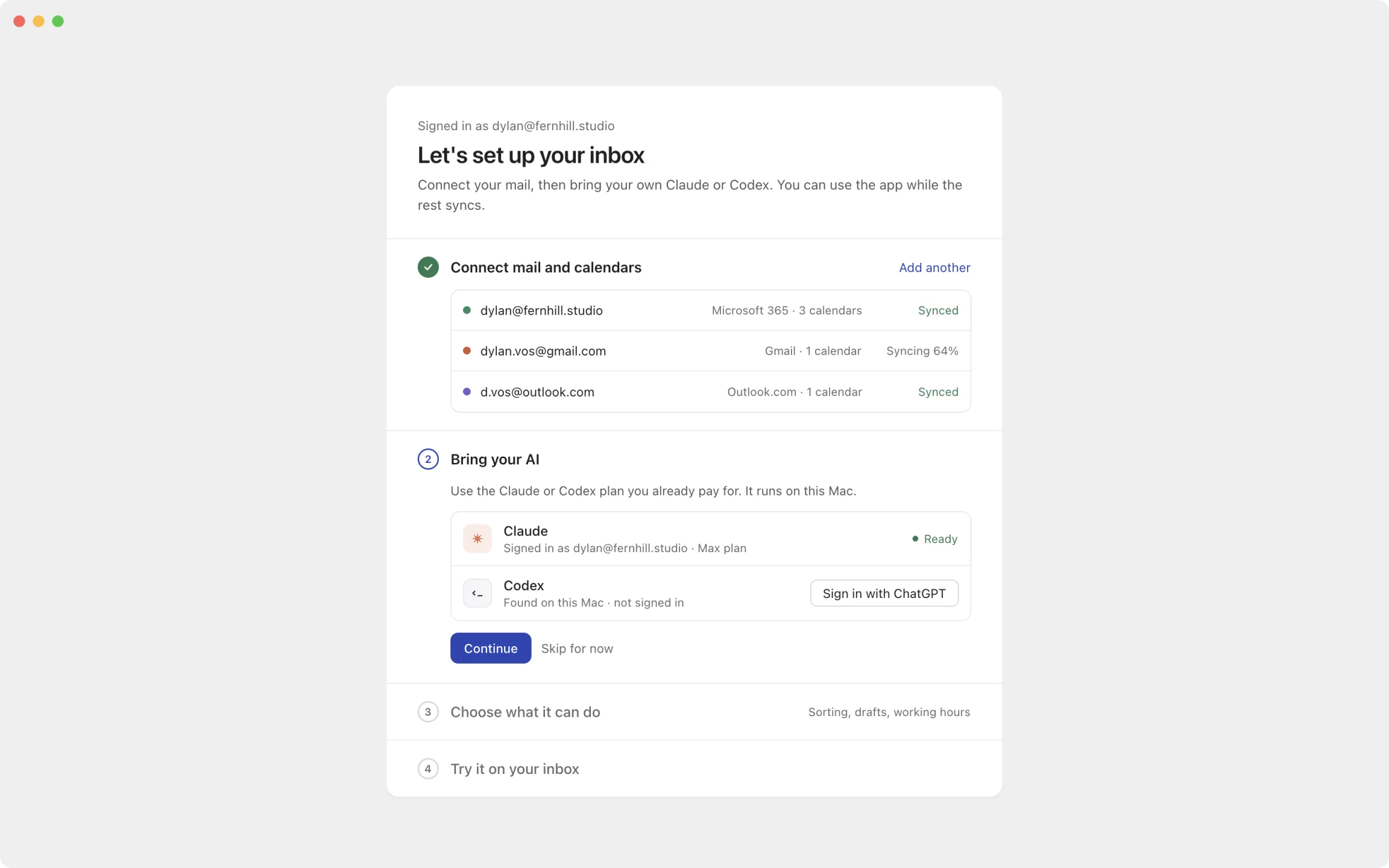
Set up in about two minutes. Connect your mail, sign in to Claude or Codex, and your inbox is sorted before you've made coffee.
Apple silicon and Intel · macOS 13 or later
- 1
Sign in
Create your Unhurly account with Microsoft or Google. That's separate from the mail you connect.
- 2
Connect your mail
Add Outlook, Microsoft 365 or Gmail accounts, and choose which ones AI may read.
- 3
Bring your AI
Sign in to Claude or Codex on this Mac. Skip it and use Unhurly as a plain, fast mail app.